
بناء بيئة عمل حديثة لتحسين محركات البحث (SEO) باستخدام وكلاء SX.ORG ومتصفحات Antidetect

لقد تجاوز دور مختص تحسين محركات البحث (SEO) أو وكالة الأداء منذ زمن مرحلة فحص صفحات نتائج البحث (SERP) يدويًا وإرسال الرسائل إلى مشرفي المواقع. أصبح اليوم تخصصًا قائمًا على البيانات: تشغيل العديد من مسارات العمل بالتوازي، اختبار الفرضيات جنبًا إلى جنب، تحليل المناطق بشكل منفصل، حماية الحسابات وأتمتة التقارير.
في هذه المقالة، سنستعرض نوع البنية التحتية التي يحتاجها مختصو ووكلاء SEO اليوم فعليًا وكيفية بناء بيئة عمل آمنة وقابلة للتوسع ومريحة للاستخدام اليومي. سنشير في الأمثلة إلى SX.ORG وعدد من شركائها: المتصفحات المضادّة للكشف، وخدمات الحسابات، والمنصات الداعمة.
قائمة التحقق الأساسية لمتخصصي ووكلاء SEO
يمكنك استخدام قائمة التحقق هذه بمثابة مخطط لإعداد بيئة عمل فريقك.
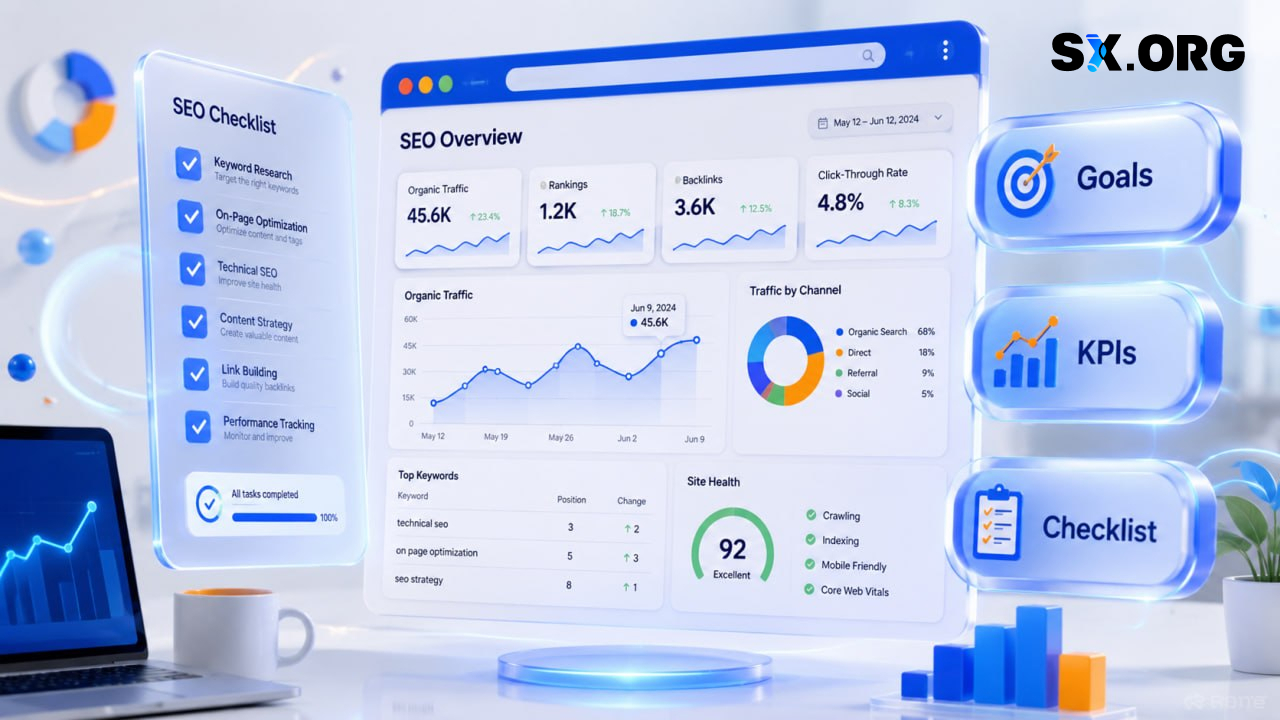
1.1 الأهداف والقياسات
ابدأ بالأساسيات:
-
حدد الأهداف الأساسية - نمو الزيارات العضوية، تحسين الظهور للكلمات المفتاحية ذات الأولوية، رفع معدل النقر إلى الظهور (CTR) والتحويلات، وخفض تكلفة الحصول على العميل المحتمل.
-
ثبّت مقاييسك - ترتيب العبارات المفتاحية الرئيسية، نبرة الخطاب، CTR، معدلات التحويل على مستوى القنوات، وسرعة فهرسة الصفحات الجديدة.
كلما كانت أهدافك ومؤشرات الأداء الرئيسية (KPIs) أوضح، كان أسهل رؤية ما إذا كانت تغييرات البنية التحتية تخدم العمل فعلًا بدلًا من مجرد إضافة تعقيد.
1.2 بيئة لسيناريوهات تعدد الحسابات
تتيح المتصفحات المضادّة للكشف العمل بأمان مع حسابات متعددة ولوحات تحكم الإعلانات واختبار الفرضيات دون ترك آثار واضحة تربط بين الحسابات. ضمن شركاء SX.ORG ستجد أدوات لسيناريوهات مختلفة - من التسويق كثيف تعدد الحسابات إلى بحوث SEO المركزة.
فكّر في هيكل ملفات التعريف: افصل بين الملفات حسب المشروع، وGEO، ونوع المهمة (تحليل SEO، إعلانات، تجارب).
على سبيل المثال، تستخدم بعض الفرق AdsPower مركزًا مريحًا لإدارة الحسابات والملفات على نطاق واسع، وDolphin {Anty} للتحكم المرن بالجلسات، وUndetectable لسيناريوهات تتطلب أقصى تشابه ممكن مع سلوك المستخدم الحقيقي.
1.3 بروكسيات موثوقة لمهام SEO والإعلانات
ينبغي لحزمة البروكسي لديك أن تغطي المواقع الجغرافية الصحيحة (GEOs)، وأن توفر سرعات مستقرة، وأن تكون مرنة بما يكفي للتبديل بين الدولة والمدينة ونوع IP وفق المهام المحددة.
في عمل SEO، من الضروري أن تظهر SERPs والواجهات تمامًا كما يراها المستخدمون الحقيقيون في المنطقة المستهدفة.
في هذا الإعداد، تعمل SX.ORG كسوق بروكسيات يتيح لك تجميع حوض عناوين IP الذي تحتاجه للتحليلات والمراقبة والحملات الإعلانية، بينما يساعدك الشركاء على توصيل تلك البروكسيات بمهامك الفعلية.
1.4 حزمة أدوات التحليلات
ستحتاج إلى:
-
أدوات لتتبع المراكز والمقتطفات.
-
أدوات للمنافسة والروابط الخلفية والمحتوى والتدقيقات التقنية.
-
تقارير داخلية وتكاملات BI للوحات التحكم واتخاذ القرار.
المنصات الكلاسيكية لـSEO تنجز جزءًا من المهمة، لكن القوة الحقيقية تأتي من الجمع بين “البروكسيات + المتصفحات المضادّة للكشف + خدمات الحسابات” بحيث ترى النتائج بعيون مستخدمين حقيقيين في مناطق مختلفة.
1.5 العمليات والحوكمة
لا تنسَ الطبقة التنظيمية:
-
التوثيق - قوائم التحقق، أدلة الإجراءات، قوالب التدقيق، ووصف واضح للسيناريوهات النمطية (الإطلاق، المراقبة، التعامل مع الحوادث).
-
سياسات الأمان - من يعمل مع أي حسابات، أين تُخزّن بيانات الاعتماد، كيف تُستخدم بنية البروكسي، وما هي الحدود.
من دون عمليات واضحة، حتى أفضل حزمة تقنية ستتحول إلى فوضى - خصوصًا ضمن نموذج الوكالات مع عشرات العملاء.
لماذا يحتاج مختصو SEO إلى بروكسيات ومتصفحات مضادّة للكشف
البروكسيات والمتصفحات المضادّة للكشف ليست “سحرًا أسود”. إنها أدوات عملية لحل مشكلات محددة.

نتائج محلية خالية من التشويش
إذا أردت تحليل الترتيب في منطقة معينة، فأنت بحاجة إلى IP من تلك المنطقة - لا IP من مركز بيانات عام. وإلا فستنتهي بتحسين المحتوى لنتائج لا تطابق ما يراه جمهورك الحقيقي.
استخدام عناوين IP صحيحة بحسب GEO عبر SX.ORG يجعل تحليلك أنظف بكثير: ترى المقتطفات الحقيقية، والفروق المحلية، والمشهد التنافسي بدلًا من صورة مصطنعة.
العمل مع حسابات ومشاريع متعددة
عادة ما تدير فرق ووكالات SEO عدة علامات تجارية في آن واحد، وتختبر صفحات هبوط وتوليفات إعلانية مختلفة. متصفحات شركاء SX.ORG المضادّة للكشف - مثل AdsPower، وDolphin {Anty}، أو Undetectable - تعزل الملفات وتفصل الأنشطة بحيث لا يكشف حسابٌ حسابًا آخر.
تتكفل بنية البروكسي لدى SX.ORG ضمن هذا المزيج بالتدوير الصحيح لعناوين IP، والعمل من GEOs مختلفة، وتقليل المخاطر المرتبطة بالسلوك المريب. كثير من الشركاء يقدمون إعدادات SX.ORG جاهزة، ما يجعل الإعداد أسلس.
فحص الإبداعات وحقول الإعلانات عبر المناطق الجغرافية
يمكن أن تبدو الحملات الإعلانية مختلفة تمامًا من دولة لأخرى: الصيغ، قواعد المراجعة، الواجهات، والتدفقات قد تتغير. لفحص كيف تظهر إعلاناتك فعليًا في دولة معينة، تحتاج إلى توطين IP صحيح وبيئة متصفح محكومة.
مع مزيج “SX.ORG + متصفح مضادّ للكشف”، يمكنك إنشاء ملفات تعريف منفصلة لأسواق مختلفة. يساعدك شركاء مثل Onirent، وSocialEcho، وTrueAccs في مهام مجاورة - من تأجير الأجهزة إلى إدارة الحسابات التي تدعم هذه الإعدادات.
تقليل مخاطر الحظر والقيود
عند العمل مع أحجام بيانات كبيرة، والمراقبة المستمرة، والاستعلامات المتكررة لمحركات البحث، من الضروري توزيع الحمل عبر عناوين IP وتجنب الإفراط في استخدام مصدر واحد.
تُقلل بنية البروكسي المضبوطة جيدًا فرص الحظر وCAPTCHA، بينما تساعد المتصفحات المضادّة للكشف في تقليص الأنماط السلوكية المشبوهة. المفتاح هو الالتزام بقواعد واضحة: لا تخلط سيناريوهات الاختبار مع حسابات الإنتاج، وخطّط لتدوير IP مسبقًا.
قائمة التحقق للبنية التحتية: ما الذي تُعدّه أولًا
يمكنك التعامل مع هذه القائمة كخطة تنفيذ خطوة بخطوة.
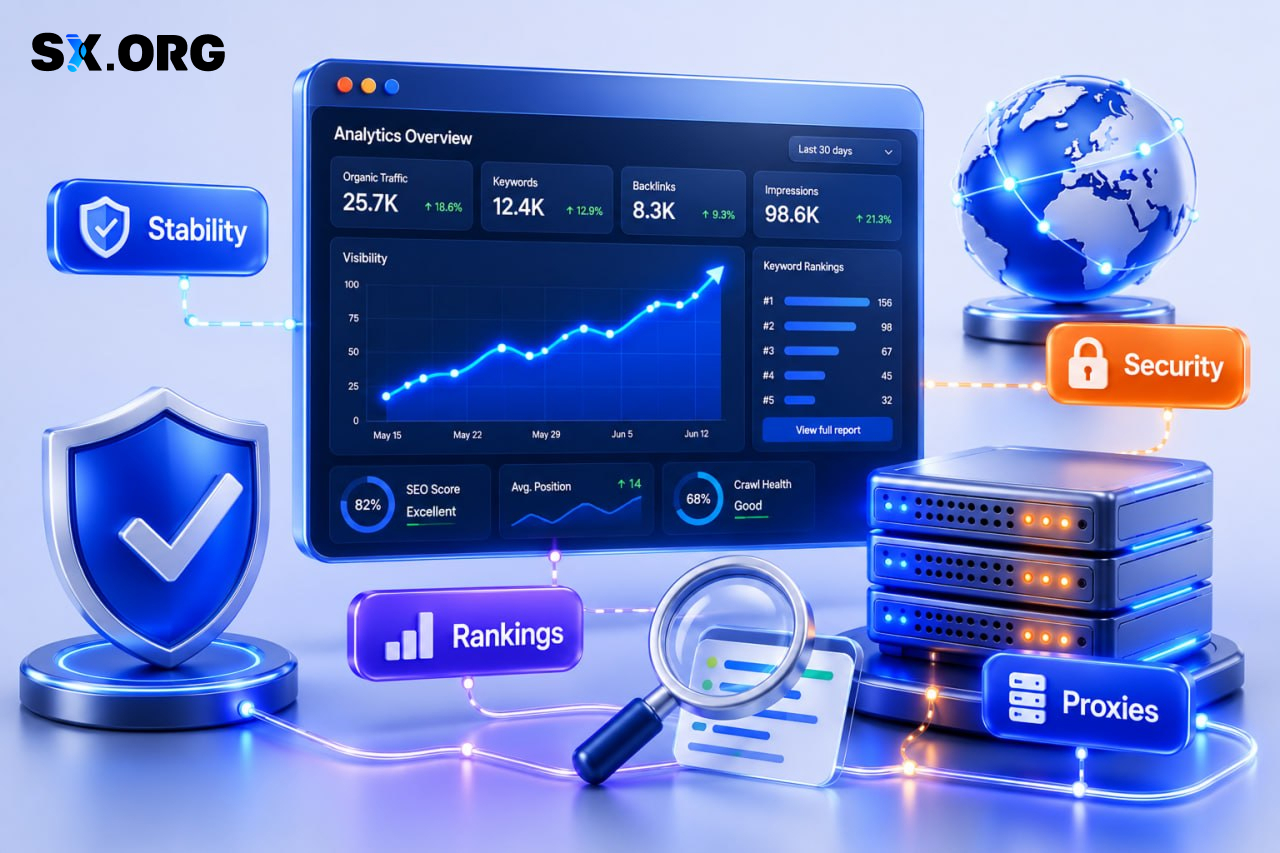
Step 1. حدّد مجموعة مهامك
وضّح ما تحتاج إلى دعمه فعليًا:
-
مراقبة الترتيب والمقتطفات للكلمات المفتاحية المستهدفة.
-
تحليل المنافسين والمحتوى عبر المناطق.
-
اختبار الحملات الإعلانية وصفحات الهبوط والمسارات التحويلية.
-
العمل مع حسابات عدة للعملاء.
كلما كانت قائمة مهامك أوضح، كان أسهل اختيار المزيج المناسب من أنواع البروكسي والمتصفحات المضادّة للكشف وخدمات الشركاء الداعمة.
Step 2. اختر متصفحًا مضادًا للكشف ليكون محور حساباتك
انتبه إلى:
-
كيفية إدارة ملفات التعريف.
-
مدى مرونة التحكم ببصمة المتصفح.
-
مدى دعم العمليات الجماعية.
قرّر إن كنت تريد متصفحًا واحدًا لكل شيء أم أدوات مختلفة لمسارات عمل مختلفة (بحث SEO، إعلانات، تجارب).
على سبيل المثال، قد تستخدم وكالة AdsPower كأداة أساسية لتعدد الحسابات وإدارة الملفات، وDolphin {Anty} للتحكم الدقيق بالجلسات والمسارات التجريبية، وUndetectable للحالات التي يجب أن يكون فيها سلوك المتصفح أقرب ما يمكن إلى المستخدم الحقيقي. تتكامل SX.ORG مع هؤلاء الشركاء وتتيح لك توصيل البروكسيات بالملفات بسرعة.
Step 3. اضبط بنية بروكسيات SX.ORG لديك
بعد ذلك، صمّم حزمة البروكسي لديك:
-
حدّد أنواع IP التي تحتاجها: جوّالة، سكنية، أو مؤسسية.
-
اضبط GEO: الدولة، الإقليم، المدينة، و- إن لزم - مزودين محددين.
-
اختر نموذج التسعير: الدفع حسب حركة المرور أو تسعير IP ثابتة.
بصفتها سوق بروكسيات، تتيح لك SX.ORG تجميع حوض IP مرنًا حول مهامك الفعلية، بينما يساعدك الشركاء على تضمينه في العمل اليومي - من إدارة الحسابات إلى تأجير الأجهزة وعمليات CPA عبر منصات مثل AffWebsite.
Step 4. صِل المتصفحات المضادّة للكشف والبروكسيات وخدمات الشركاء
ثم اربط كل شيء معًا:
-
أنشئ بروكسيات بالمعايير الصحيحة وخزّن بيانات الوصول بأمان.
-
في المتصفح الذي اخترته، أنشئ ملفات تعريف ووصل بروكسيات SX.ORG.
-
اختياريًا، صِل خدمات إضافية: حسابات من TrueAccs، أدوات CPA والمراجحة، حلول تأجير الأجهزة.
حاول تقسيم الملفات حسب نوع المهمة: التحليلات، الاختبار، وحسابات الإنتاج الخاصة بالعملاء. هذا يسهل مراجعة الأنشطة ويقلل المخاطر على ملفاتك “الرئيسية”.
Step 5. أعدّ ضبط مراقبة الجودة
أخيرًا، ابنِ روتين ضمان الجودة:
-
افحص بانتظام عناوين IP للتحقق من GEO الصحيح والسرعة والاستقرار.
-
راقب حمل البروكسي وعدّل إعدادات التدوير عند الحاجة.
-
سجّل الحوادث: الحظر، CAPTCHA، سلوك الحساب غير المعتاد.
بهذه الطريقة يمكنك اكتشاف المشكلات مبكرًا وإصلاح أعطال الإعداد قبل أن تتحول إلى تراجع في الأداء.
جعل بنيتك التحتية “صديقة لـSEO”
يجب أن تساعدك البنية التحتية على تحسين نتائج SEO، لا أن تعيقها.
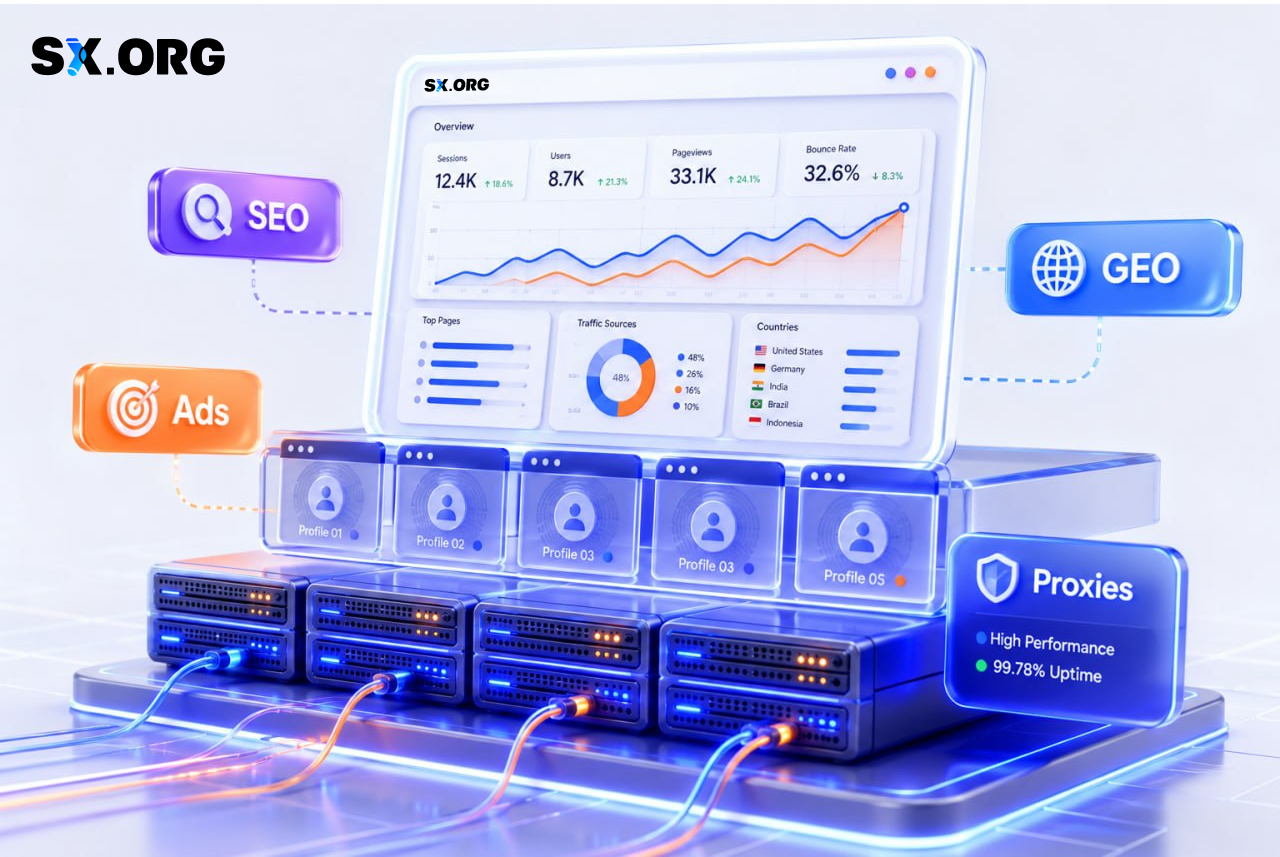
تحليل نظيف، قرارات أفضل
عندما تحلل SERPs والبيانات عبر عناوين IP صحيحة بحسب GEO وضمن بيئات متصفح محكومة، تقلل مخاطر الاستنتاجات الخاطئة. تستند قرارات المحتوى وبنية الموقع والتحسين على الصفحة إلى ما يراه المستخدمون الحقيقيون فعلًا، لا إلى تشوهات عشوائية.
وهذا يحسّن مباشرةً جودة التوصيات التي تقدمها لعملائك أو لعملك الخاص.
اختبار بلا مخاطرة على النطاقات الأساسية
تتيح لك المتصفحات المضادّة للكشف والبروكسيات إجراء اختبارات A/B وصفحات هبوط تجريبية واستراتيجيات ترويج بديلة دون خلطها مع بنيتك الأساسية الأساسية.
يمكنك دفع فرضيات جريئة بأمان، دون تعريض النطاقات والحسابات الرئيسية التي يعتمد عليها نشاطك للمخاطر. تساعد أدوات شركاء SX.ORG - من المتصفحات إلى منصات الحسابات - على جعل سير العمل هذا قابلاً للتكرار.
حماية الحسابات واستقرار الحملات
يقلّل الإعداد الصحيح للملفات وعناوين IP من فرص الحظر الناتج عن تغيرات GEO المفاجئة أو السجلات المشبوهة أو النشاط المزعج.
بالنسبة للوكالات والفرق الداخلية، يعني ذلك انقطاعات وحوادث أقل، ووقتًا أطول لتحسين الحملات بدلًا من “إطفاء الحرائق”. يساعدك النظام البيئي للشركاء حول SX.ORG على تصميم هذه العمليات من البداية إلى النهاية.
التوثيق والتوسع
بمجرد توثيق قائمة التحقق والبنية التحتية وجعلها قابلة للتكرار، يصبح توظيف الأعضاء الجدد وتوسعة الوكالة عملية منظمة.
تحوّل بيئة تقنية معقدة إلى أداة عمل واضحة قابلة لإعادة التطبيق عبر المشاريع والأسواق والفرق - مبنية حول حزمة SX.ORG والشركاء الموثوقين.
اختبر البنية التحتية عمليًا واختر شركاء SX.ORG
إذا أردت أن يستند عملك كمختص SEO أو كوكالة إعلانات إلى بنية تحتية متينة وقابلة للتوسع، فمن المنطقي اختبار سوق بروكسيات SX.ORG مع أدوات الشركاء على مشاريع حقيقية.
ابدأ بتكوينٍ رشيق:
-
حدّد مهامك الأساسية في SEO والإعلانات.
-
اختر متصفحًا مضادًا للكشف من قائمة شركاء SX.ORG (مثل AdsPower ، Dolphin {Anty}، أو Undetectable) يتوافق مع سير عمل فريقك.
-
اضبط البروكسيات بحسب GEO وأنواع IP التي تحتاجها فعلًا.
-
أضف خدمات الشركاء حيثما يلزم - مزوّدو الحسابات، منصات CPA، حلول تأجير الأجهزة.
وثّق قائمة التحقق والعمليات لديك، ثم أدخل هذا النظام في العمل اليومي - أولًا على بعض المشاريع، ولاحقًا عبر قُمعك بأكمله.
زر صفحة شركاء SX.ORG، واطّلع على الحلول الأنسب لنموذج التشغيل لديك، واختر شريكًا أو أكثر، وانطلق في تجربة أولية. استنادًا إلى النتائج، يمكنك تحسين البنية التحتية حول مهامك وتحويلها إلى ميزة تنافسية حقيقية - لمشاريع SEO الخاصة بك أو لعملاء الوكالة.
اتخذ الخطوة الأولى: جرّب بروكسيات SX.ORG، واختر شريكًا من القائمة (متصفحًا مضادًا للكشف، خدمة حسابات، أو منصة حركة مرور)، وابنِ بيئة عمل تساعدك على تنمية SEO والإعلانات بشكل منهجي بدلًا من مقاتلة القيود التقنية. للمستخدمين الجدد، جعلنا اختبار الإعداد دون مخاطرة: عند التسجيل، استخدم الرمز الترويجي BLOG لتحصل على 3GB من حركة المرور المجانية لاختباراتك الأولى، لتتمكن من رؤية أداء مكدس SX.ORG والشركاء على سيناريوهاتك الواقعية قبل الالتزام.