
ixBrowser Review: Features, Pricing, Proxies and Team Tools
What Is ixBrowser?
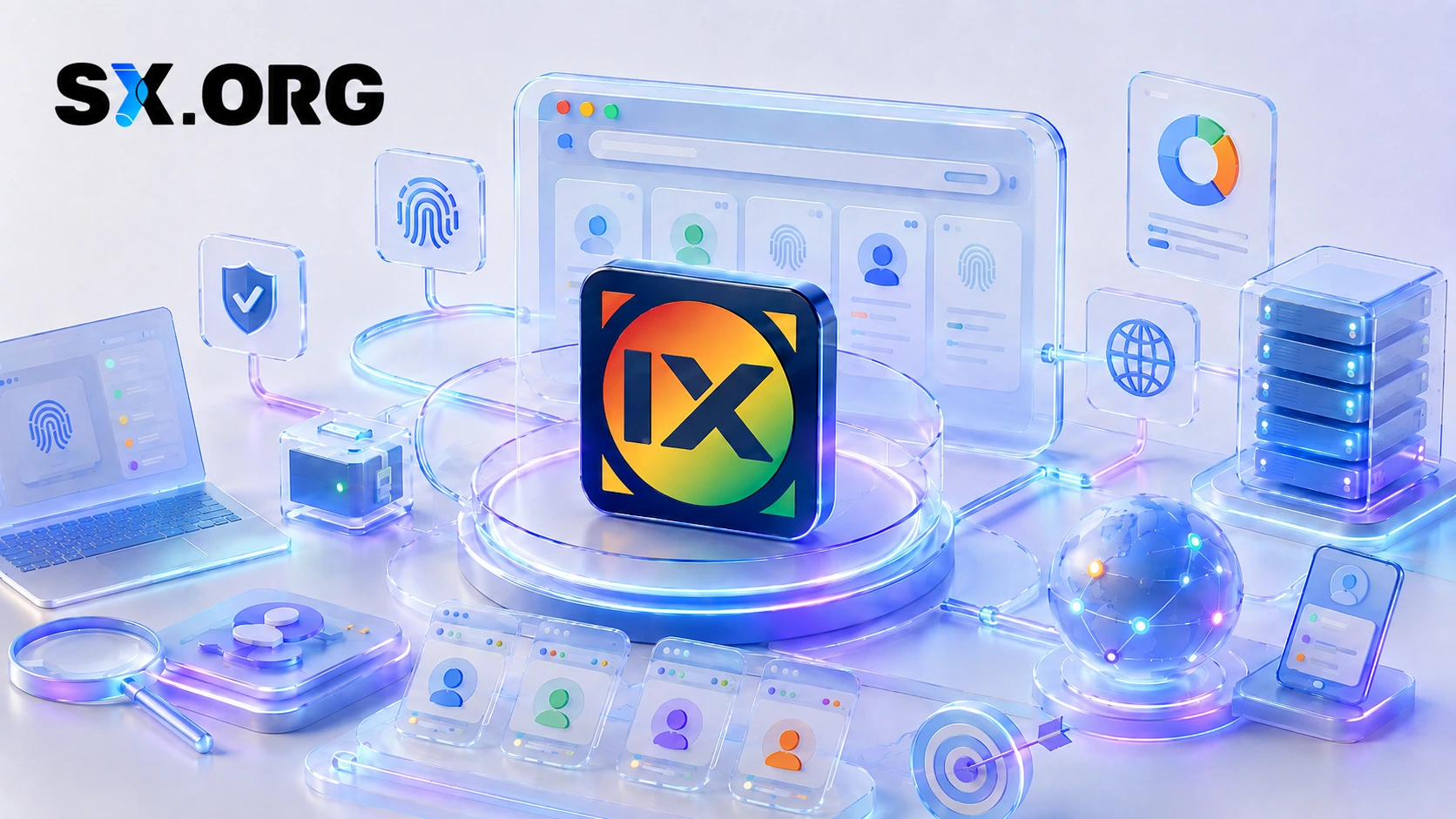
ixBrowser is a free anti-detect browser designed for managing multiple independent browser profiles. It allows users to create an unlimited number of separate profiles, helping teams keep workspaces, cookies, browser settings and account-related activities organized across different projects.
Alongside profile isolation, ixBrowser includes tools for workflow automation, bulk management, proxy configuration and team collaboration.
It can be useful for solo users, agencies, e-commerce teams, affiliate marketers, remote teams and advertisers who need a structured way to manage multiple browser environments.

General Information
| Category | Details |
|---|---|
| Supported platforms | Windows, macOS |
| Learning resources | Documentation and video tutorials |
| Starting price | $0 - a free plan is available, alongside paid plans. See plans |
| Payment methods | Credit cards, Alipay, PayPal, cryptocurrencies |
| Free trial | - |
| Supported languages | English, Chinese, Russian and other languages - 13 in total |
Pricing
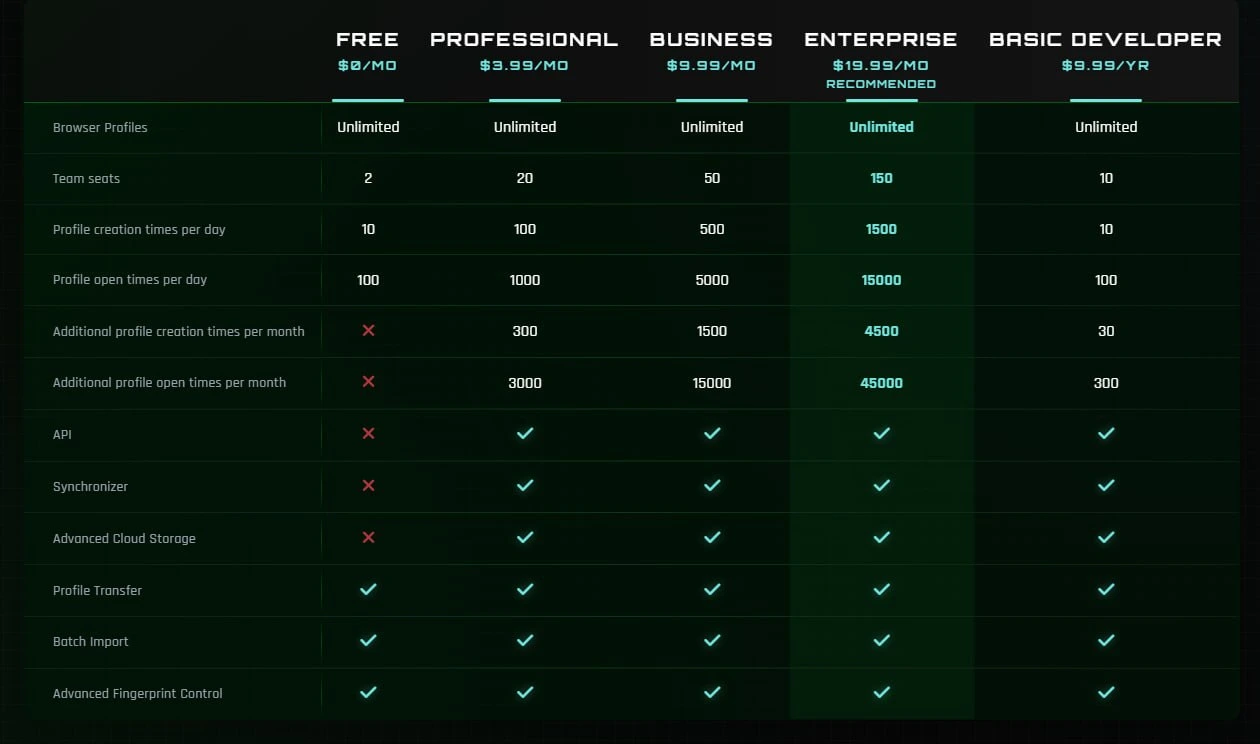
ixBrowser offers a permanent free plan as well as paid plans with additional features. This makes it possible to start without an upfront cost, evaluate the product and upgrade only when a larger team, additional automation or more advanced management capabilities are required.
The flexible plan structure can be useful for both individual users and businesses that need to control infrastructure costs as their workflows grow.
Profile Environment and Security
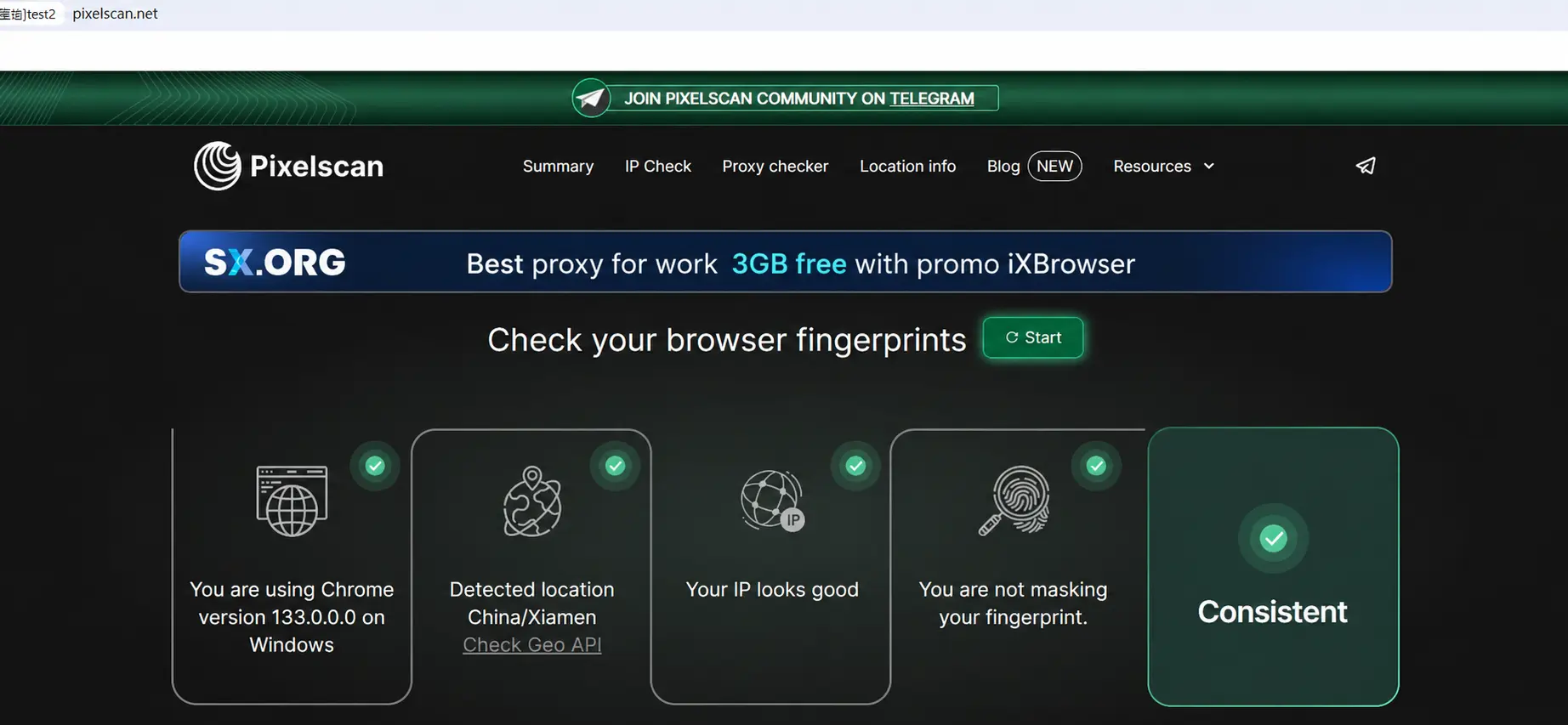
ixBrowser is built around independent browser environments. Each profile has its own settings and browser parameters, helping teams separate workspaces and keep different projects organized.
A well-structured profile setup can help reduce operational errors, such as using the wrong browser environment, proxy configuration or credentials for a particular project.
Key Features
API
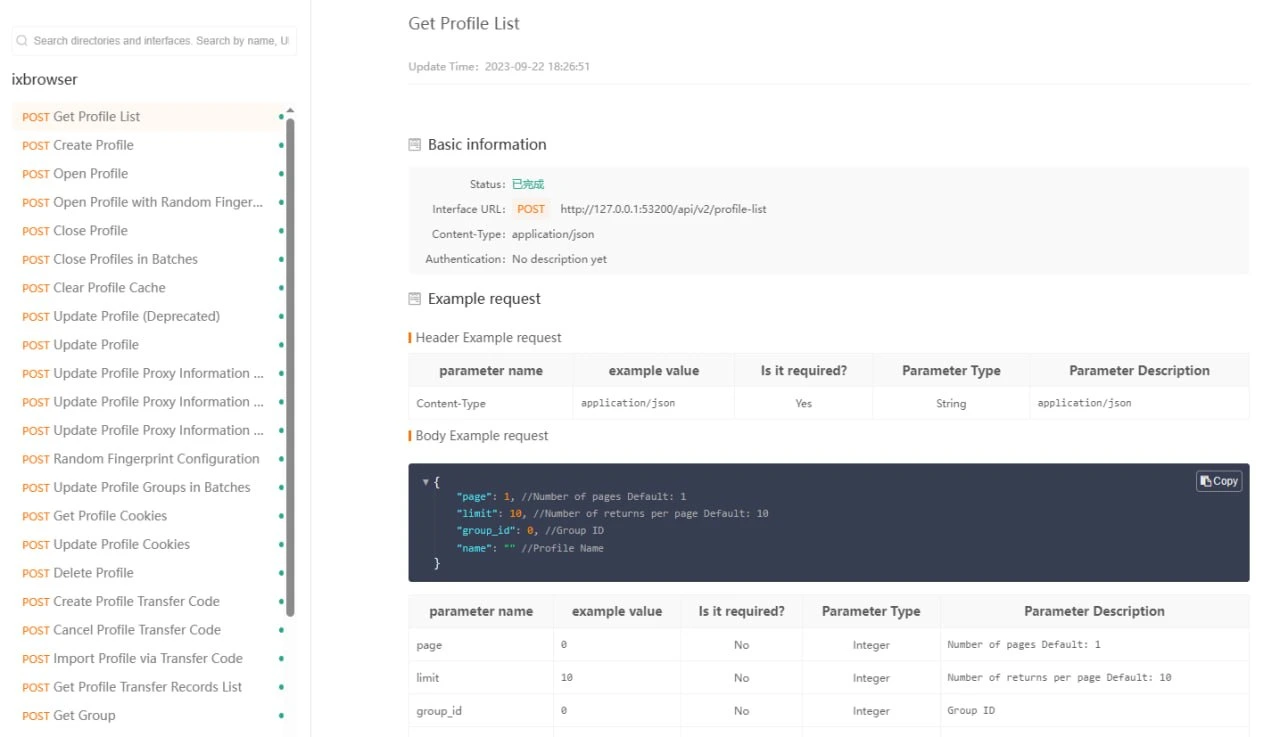
The ixBrowser API allows users to connect the browser with external systems, internal tools and automation workflows. This can help teams create, configure, launch and manage profiles programmatically.
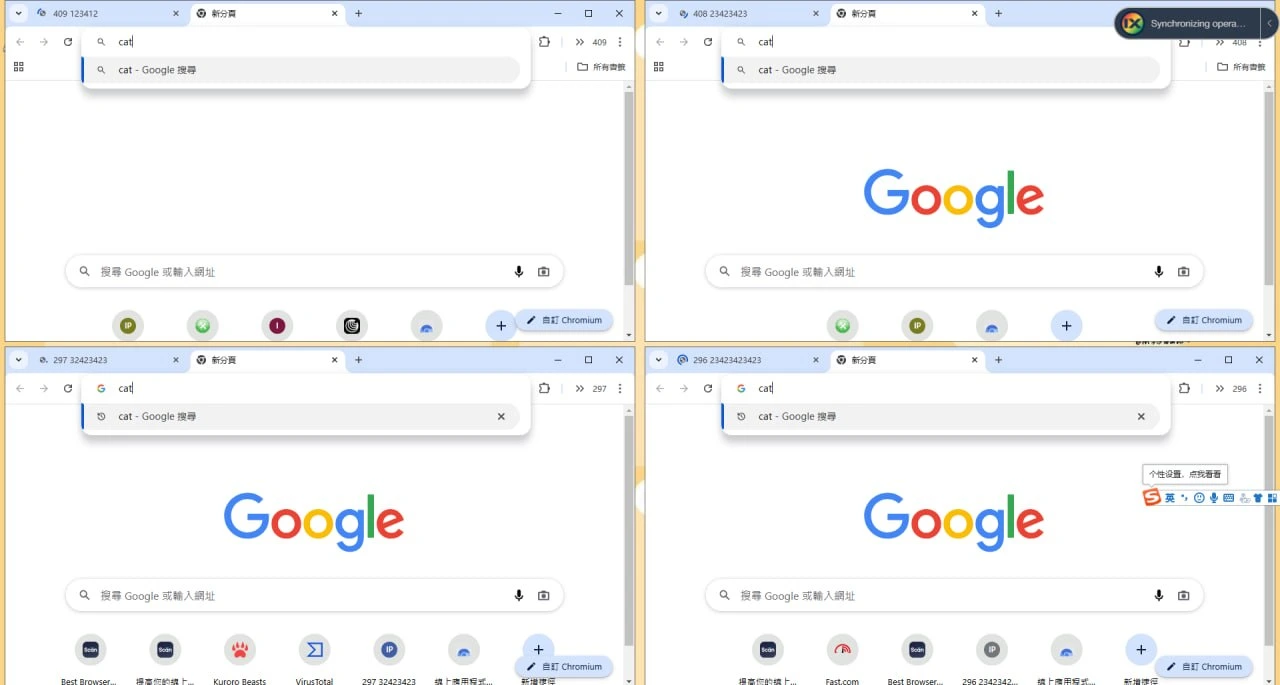
Synchronizer
The Synchronizer can mirror mouse and keyboard actions from a primary profile to selected profiles. It also supports simulated typing, bulk actions and quick window arrangement.
This feature can be useful for repetitive, authorized tasks that need to be performed consistently across multiple workspaces.
Extensions and Extension Settings
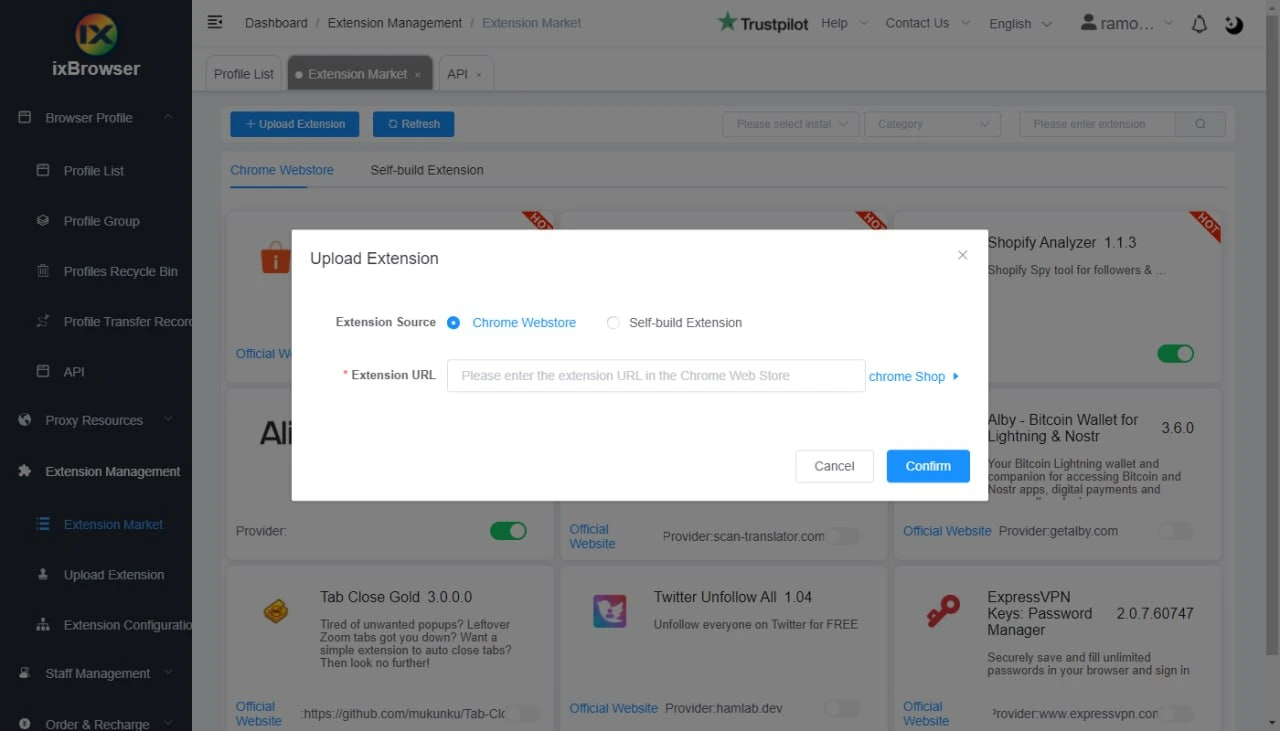
ixBrowser includes a collection of browser extensions. If the required extension is not available, users can add it in two ways:
- Install it from the Google Web Store using an extension link.
- Upload a ZIP file for a custom or third-party extension.
Extension configurations can also be customized for individual profiles or profile groups.
Bulk Operations
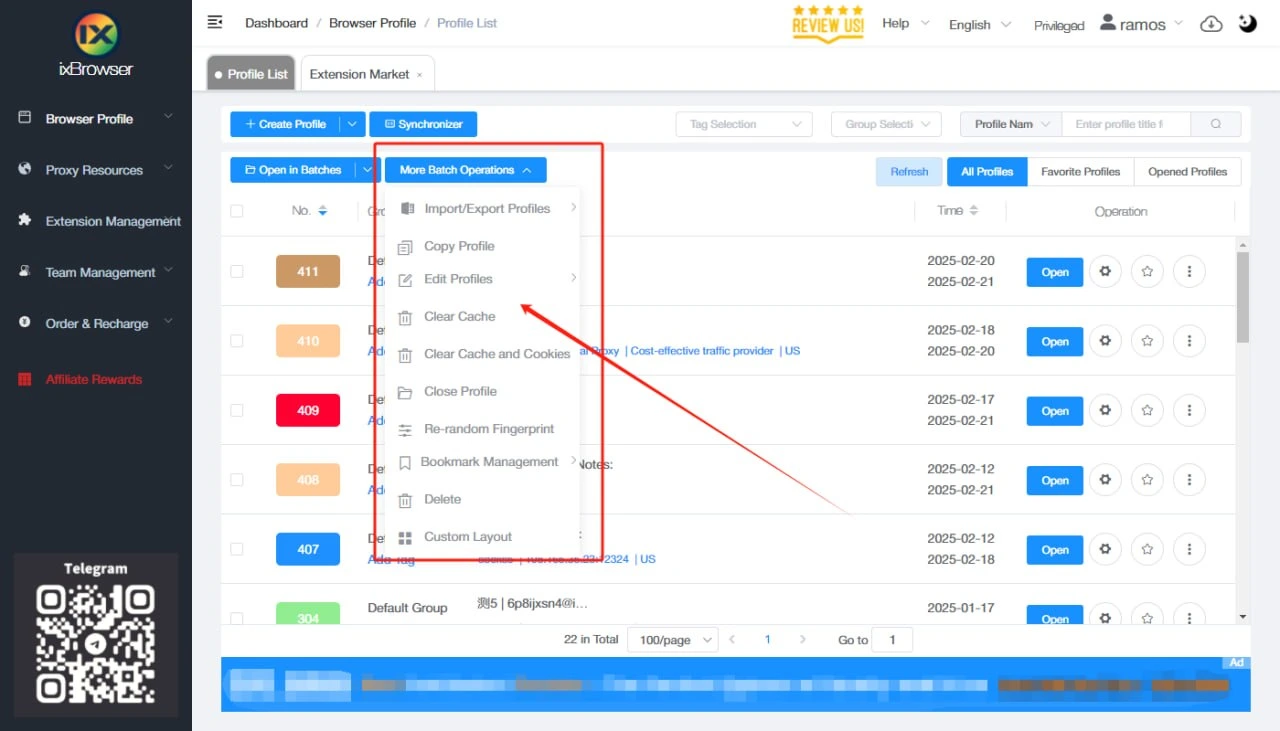
The browser supports bulk profile import, editing, updates and deletion. Teams can also assign permissions to sub-accounts in batches, reducing manual administrative work.
Profile Transfer
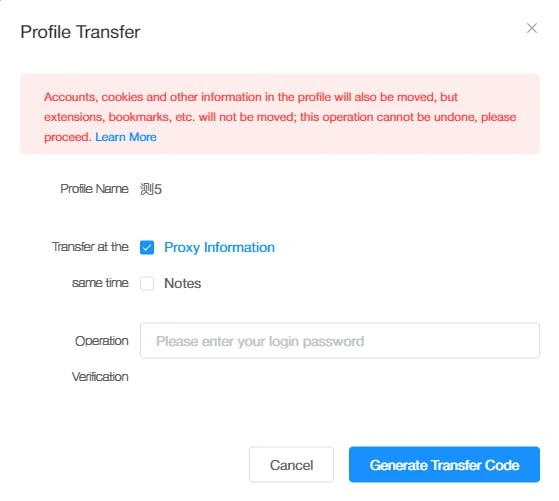
The profile-transfer feature allows users to pass a browser profile and its attached proxy configuration to another team member. The profile settings and connection details remain in place, helping teams maintain continuity when responsibilities change.
Proxies
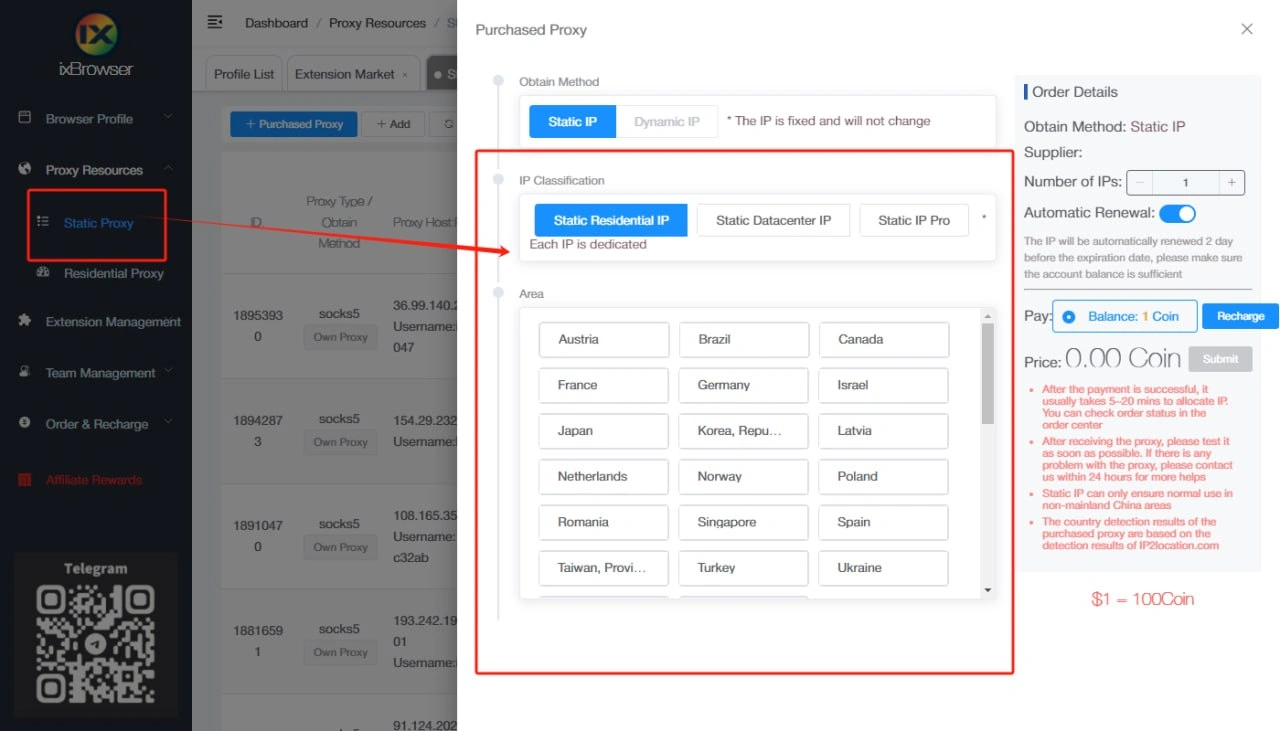
ixBrowser works with proxy providers and supports both built-in proxy purchases and third-party proxy connections.
For stable profile workflows, SX.ORG is a practical proxy option - residential, mobile and corporate IPs with country, city, ASN and network-type targeting. This allows teams to select a connection that matches each project’s requirements and maintain a separate network context for every browser profile.
ixBrowser supports several proxy setup methods:
- Manual configuration with a host, port, username, and password.
- Proxy connection through an API.
- Use of proprietary or third-party proxy providers, including SX.ORG.
SX.ORG proxies can be added to ixBrowser manually or provisioned through the API. This is convenient for teams managing multiple projects, regions and profile groups.
Team Collaboration
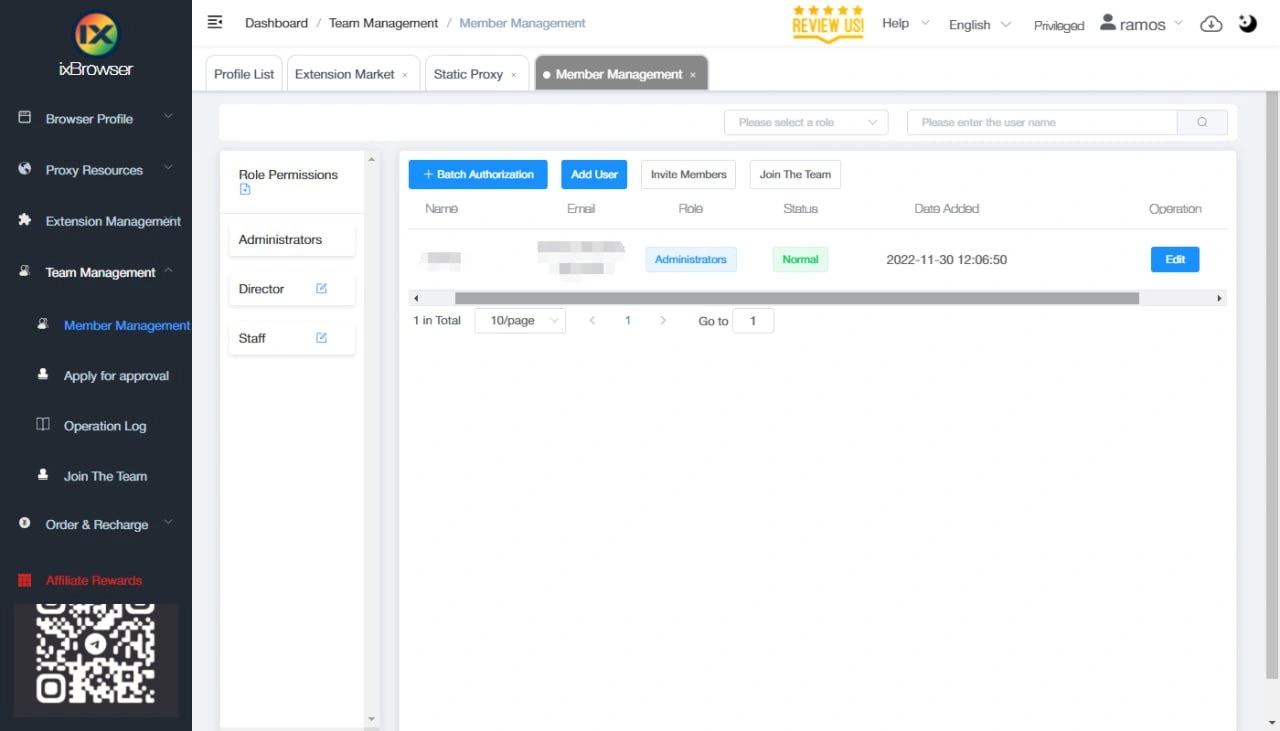
ixBrowser includes collaboration tools for teams. Users can share profiles and proxy configurations, assign permissions and control access for individual team members.
This can help reduce credential sharing through messengers and give managers clearer visibility into who is responsible for each workspace.
Learning Resources
ixBrowser provides video tutorials, help documentation and API documentation for users who are new to the platform. The Help section is available in the top-right corner of the client.
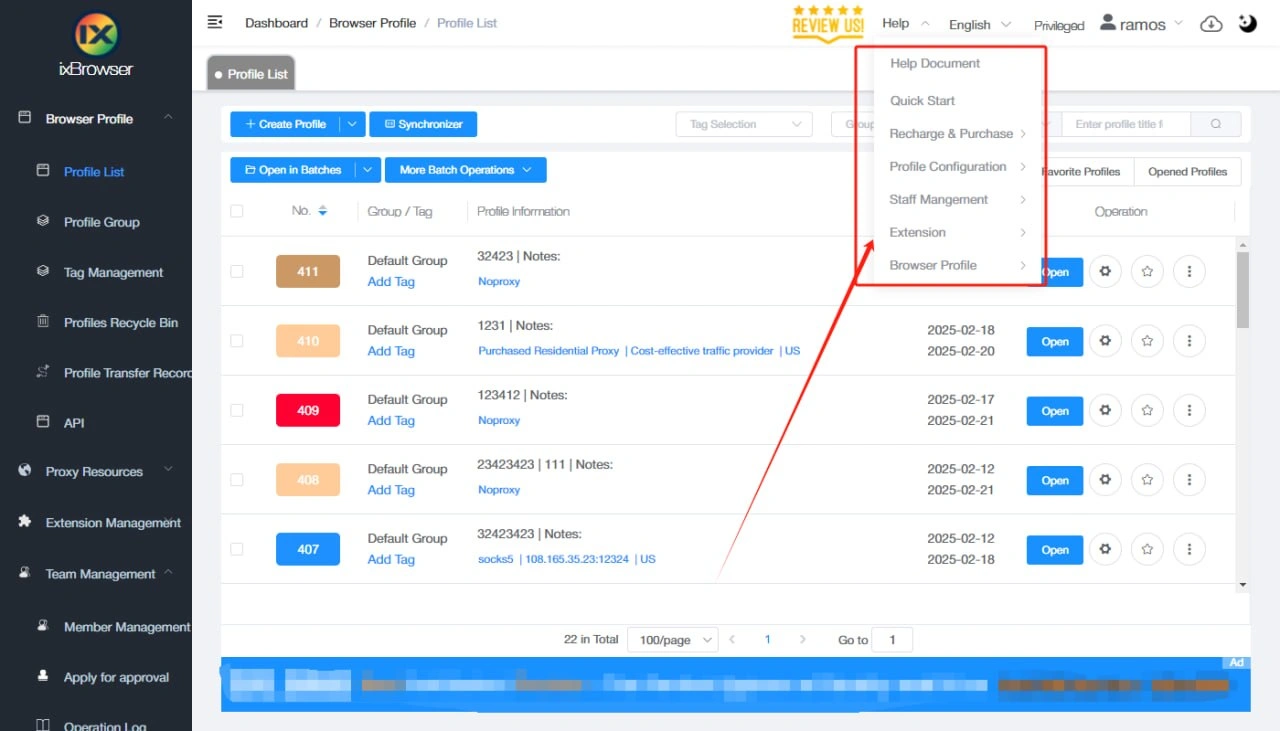
Useful resources include:
- Video tutorials
- Help documentation
- API documentation
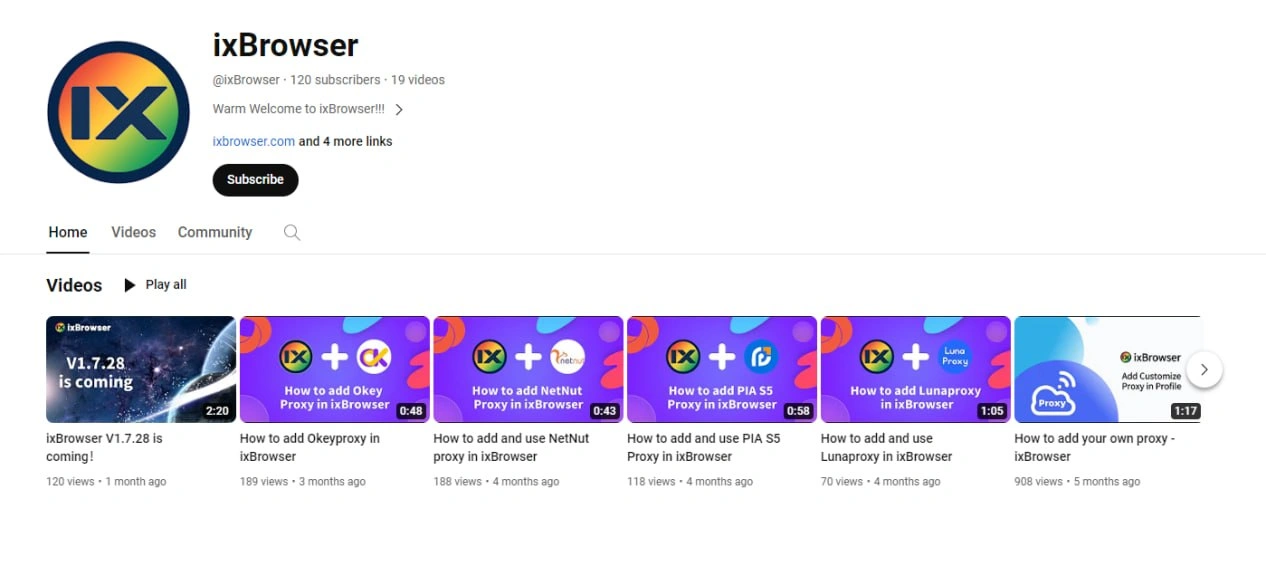
- The ixBrowser YouTube channel
Support
Support hours are 09:00–18:00 China Standard Time (UTC+8). The team aims to respond as quickly as possible during working hours; users can also submit requests outside these hours.
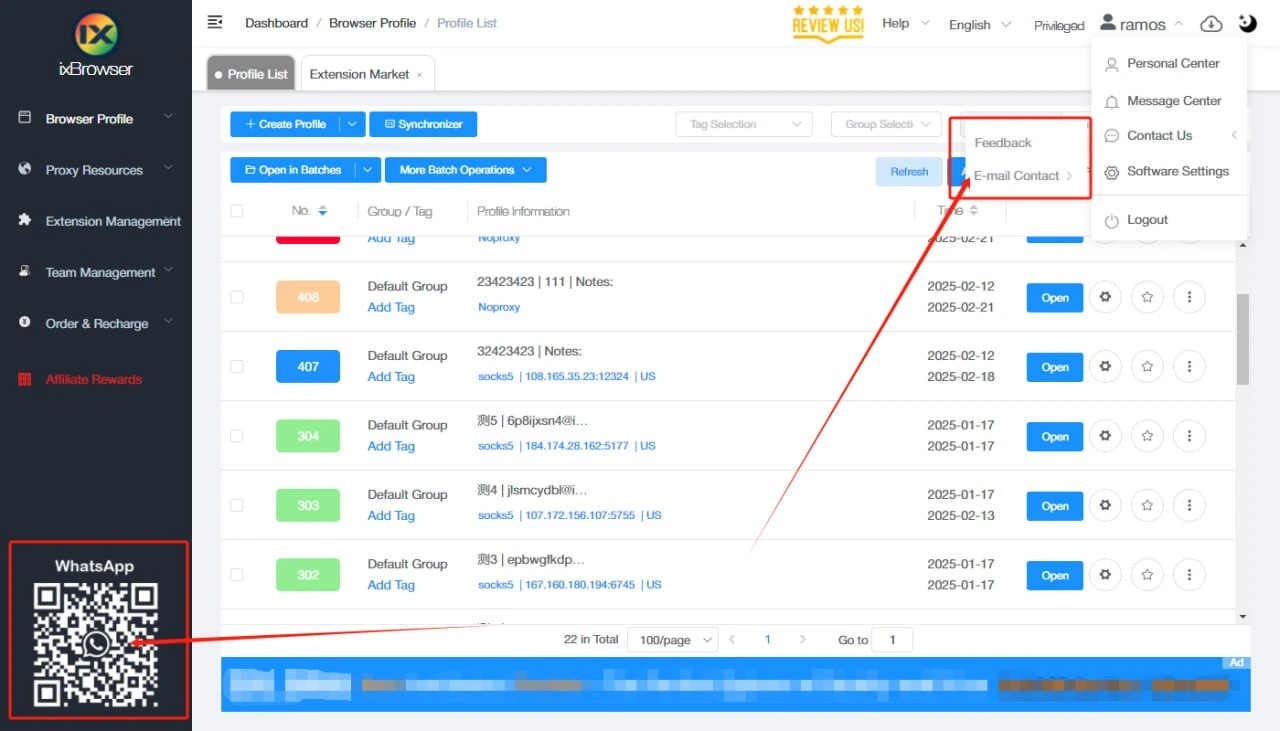
You can contact ixBrowser through:
- Email: support@ixbrowser.com
- Telegram: @ixbrowser_offical
- WhatsApp: Contact ixBrowser on WhatsApp
Conclusion
ixBrowser is an anti-detect browser with a permanent free plan for users and teams managing multiple independent browser profiles. Its main features include API access, profile synchronization, bulk operations, extension management, profile transfers, proxy support and collaboration tools.
It is best suited to teams that need to organize browser workspaces, separate project access, manage proxy settings and centralize operational processes in one environment.