
While You’re Reading Telegram Chats, the Customer Is Already Messaging a Competitor

How to Track Requests and Important Messages Using Keywords
Large Telegram groups can have up to 200,000 members. Hundreds or even thousands of messages are posted in these communities every day. Employees who try to monitor requests manually inevitably miss important signals. Those who mute notifications to protect their focus stop seeing them altogether.
The problem is not a lack of relevant Telegram communities. The problem is that, among thousands of ordinary messages, it is impossible to keep spotting the few that truly matter.
In this article, we explain how to separate sales signals from noise, build a practical trigger phrase library, and set up a system that delivers relevant messages to one place—without constantly reading chats.
What You’ll Be Able to Do After Reading
- Identify which Telegram messages should be treated as sales signals.
- Build an effective library of trigger phrases.
- Reduce the number of irrelevant matches.
- Collect matched messages in a single feed.
- Organize a fast, human response to incoming requests.
- Scale the process across multiple accounts with Telegram Expert and SX.ORG.
Why Telegram’s Standard Notifications Miss Customer Requests
People rarely write, “@CompanyName, sell me your product.” Instead, their message usually looks like this:
- “Can anyone recommend a good service for…?”
- “Who works with this kind of task?”
- “What can I use instead of this tool?”
- “Has anyone run into this error?”
- “I’m looking for a specialist in…”
- “Who can handle…?”
Telegram notifies you about direct mentions and replies to your messages. An “@” icon appears in the chat list to show that someone has mentioned you or replied to your message.
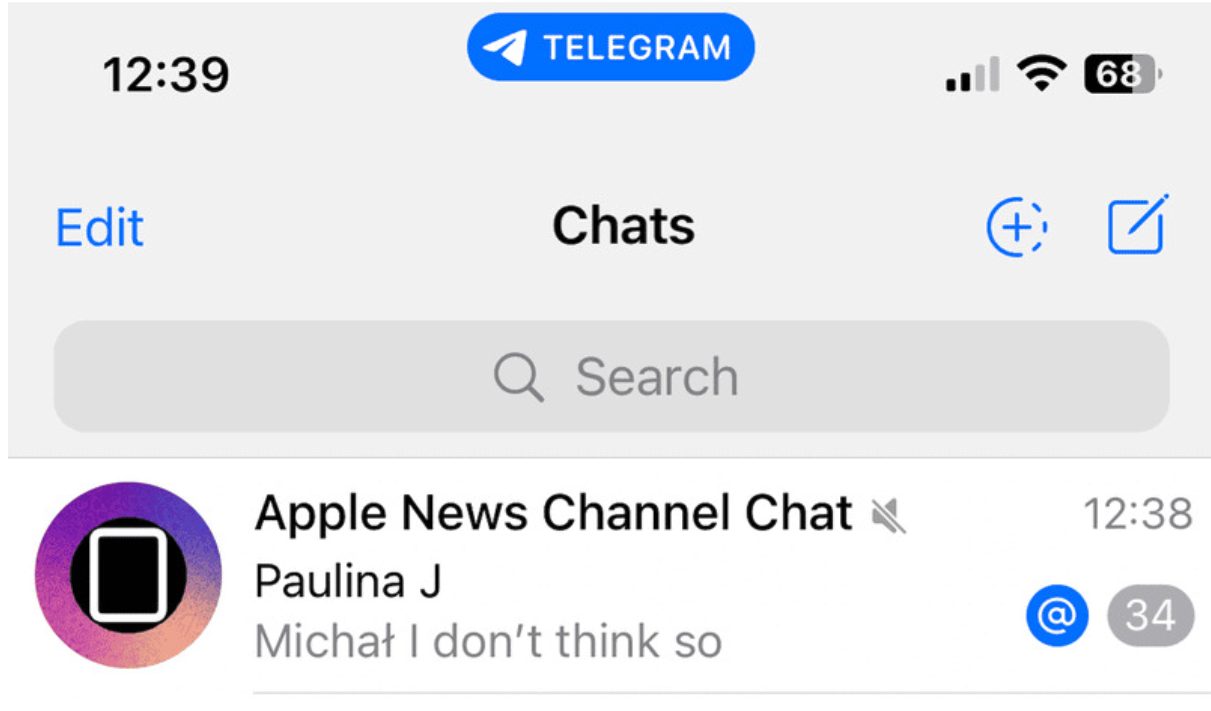
However, a potential customer may not know the company’s name and may never tag its account. They describe the task to the entire community and wait to see who offers a useful solution first.
Standard mentions therefore capture messages addressed directly to you, but they do not reveal unclaimed demand. To notice it, an employee has to read the entire conversation feed.
Two Notification Modes: Noise or Silence
“Read everything” mode. Notifications remain enabled. Every new post, reply, advertisement, and conversation interrupts the employee. In highly active groups, this becomes a constant stream of noise.
“Mute everything” mode. Active groups are muted. The employee checks them once or twice a day, or only when necessary. Useful messages continue to appear, but they no longer stand out from the rest of the feed. By the time someone checks manually, the question may already have received several replies.
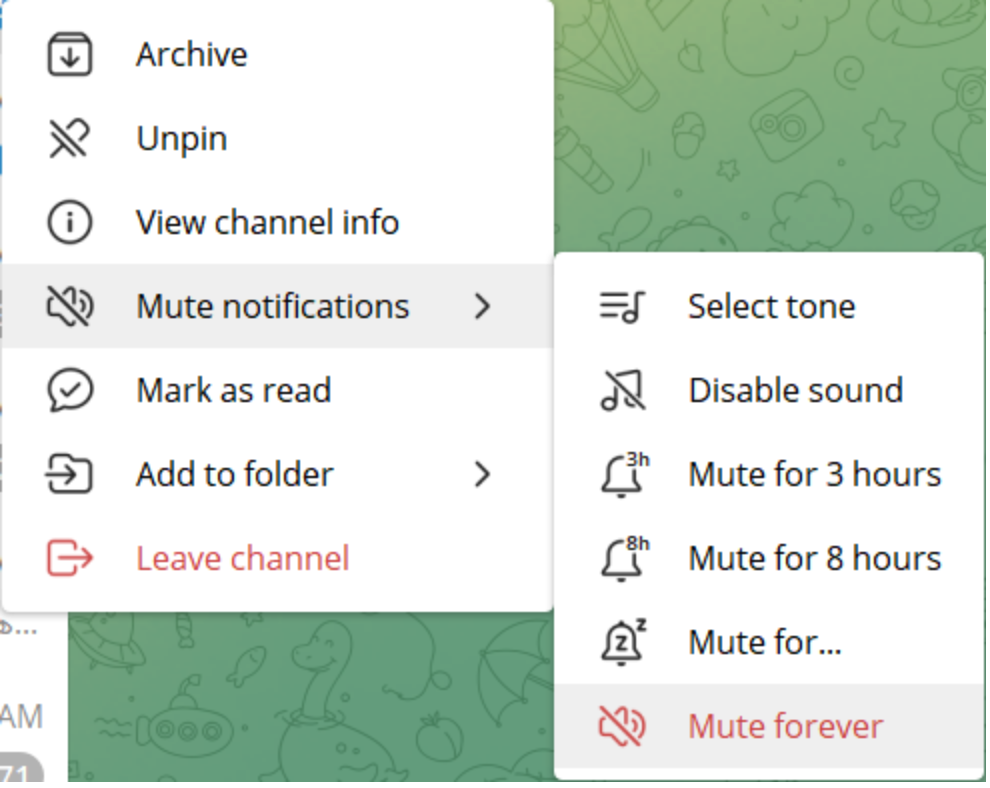
Users on forums describe this exact dilemma: active groups are muted not because they are useless, but because the volume of notifications is impossible to tolerate. Afterwards, people forget what was important in the first place. Most choose one of two strategies: mute almost every group or check them manually once or twice a day.
More notifications will not solve the problem. What is needed is a third mode: do not notify about everything, but surface messages with specified characteristics separately.
Keyword Search Finds the Past but Misses What Is New
Telegram lets you search messages by keyword and filter the results. You can limit the search to a particular chat and filter by date or message type.
But this still requires an employee to:
- remember a specific topic;
- open search;
- formulate a query;
- review the results;
- repeat the process for other keywords.
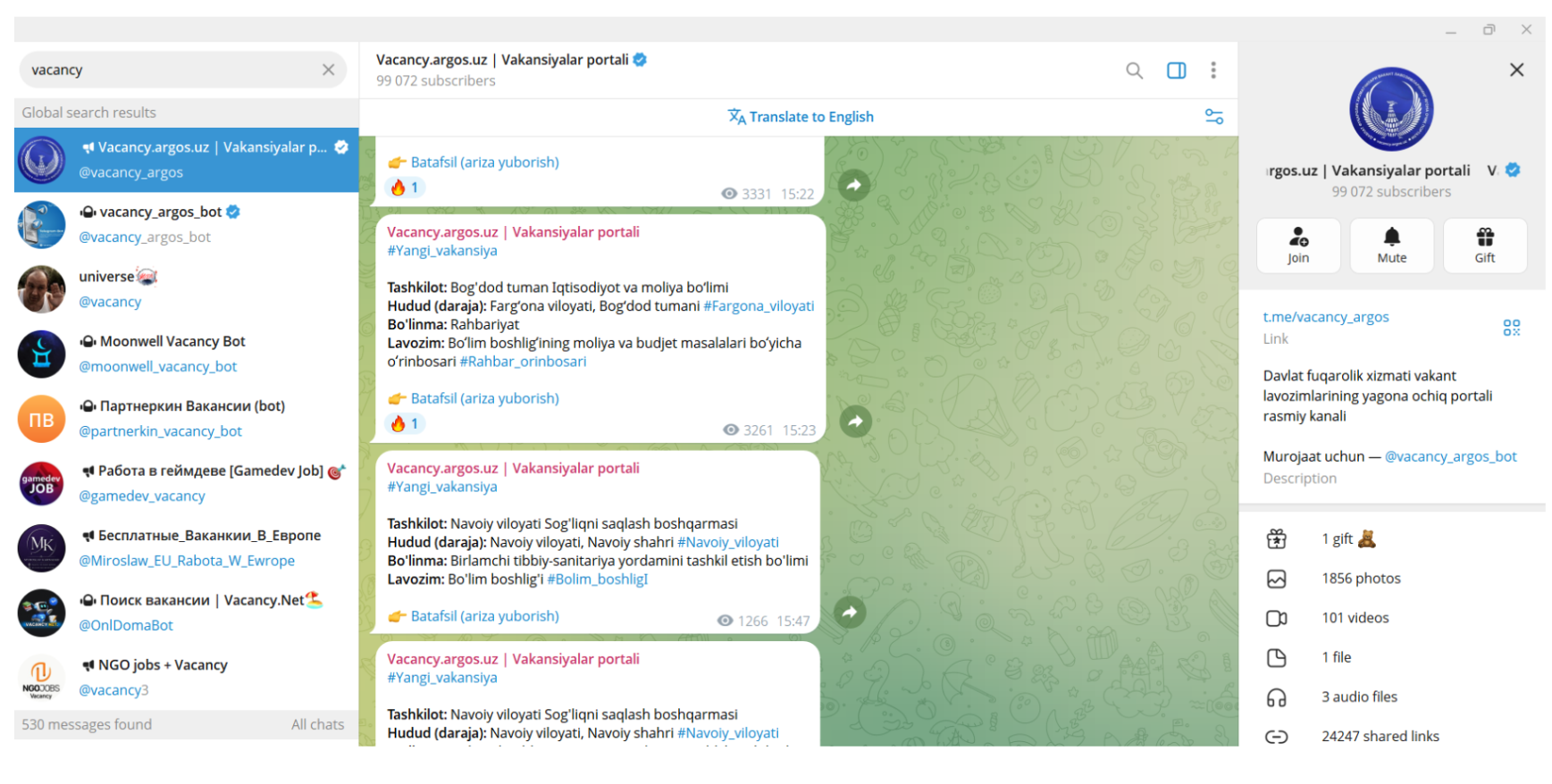
Search is useful for looking back: finding a message that has already been posted.
Monitoring solves a different task: alerting you to a new match as soon as it appears.
Search tells you what people have already written. Monitoring tells you what important message has just appeared.
Four Types of Messages You Cannot Afford to Miss
To receive useful alerts, first define not individual words, but the types of messages that genuinely have value.
Direct demand. These are messages in which someone is already looking for a provider, a product, or a recommendation: “looking for,” “need,” “who handles this,” “please recommend,” “who can help,” “where can I buy,” or “which service should I use?” This is the strongest type of signal, but a single word should never be used without context.
An unsolved problem. The person is not yet looking for a vendor, but is already describing a pain point: something has stopped working, a manual process takes too long, the current tool cannot cope, the cost is no longer worthwhile, or the team cannot scale the operation. This is an earlier stage of demand. The right response is not a hard sell, but a genuinely useful answer to the problem.
Comparison and replacement. The user is discussing an alternative to a competitor, differences between two services, switching from one product to another, shortcomings of the current solution, or the right tool for a particular scenario. Such messages may show that the user is already choosing between several options.
Brand mention. This may be a company name, product name, domain, common misspelling, a competitor mentioned alongside your category, a question from an existing user, or a complaint made outside support channels. This is not only about sales, but also reputation, support, and feedback.
This classification follows a common social monitoring approach: tracking conversations about a brand, its products, the industry, competitors, user problems, and recurring topics.
How to Build a Low-Noise Trigger Library
Phrases, not isolated words. The word “proxy” may appear in a news item, advertisement, signature, argument, or technical guide. The phrase “recommend a proxy for Telegram” already contains a category, a task, and an intent to receive a recommendation.
The foundation of monitoring should therefore be not the most frequent nouns, but combinations such as:
- action + product;
- problem + category;
- intent + task;
- competitor + replacement;
- question + scenario.
The audience’s language. People may describe the same problem in different ways: “I need software,” “I’m looking for a program,” “is there a service for this?”, “how can I automate this?”, “does anyone use this tool?”, or “is there a decent solution?” Build the library from the wording that community members actually use, not only from official product names.
Spelling variants. For brands and products, include Cyrillic and Latin spellings, full and abbreviated names, the domain, joined and separated forms, and common misspellings.
Exclusions. Some matches are clearly irrelevant from the outset. A word may appear in job postings, account-sale advertisements, automatically published promotions, quotations, messages from a particular bot, or topics unrelated to the product.
Exclusions can be implemented directly in the library: remove overly broad words and keep more precise phrases.
Why a Keyword Match Is Not Yet a Customer
It is important to distinguish four concepts:
- Match — the system found a specified phrase.
- Signal — the message relates to the target topic and requires attention.
- Opportunity — the message author fits the company’s target profile, and the question provides a natural opening for a useful conversation.
- Lead — the person has confirmed their interest and is ready to discuss a solution.
These concepts should not be conflated. A monitoring system finds potentially important messages; it does not turn every match into a customer.
Before replying, the employee checks:
- what was being discussed before the message;
- who the question was addressed to;
- whether the person is genuinely looking for a solution;
- whether the product is a suitable fit;
- whether the community’s format allows a company representative to respond;
- whether the message is an advertisement, a joke, or a retelling of someone else’s question.
A Fast Response Turns a Signal into a Conversation
Monitoring becomes valuable only when a detected signal quickly reaches someone who can respond appropriately.
A single point of intake. Useful messages from different groups should not remain scattered across dozens of source chats. They are better forwarded to a dedicated work chat, where the employee can see the message text, source, matched phrase, time of publication, and any context retained in the forwarded message.
A designated owner. Every signal should have a clear owner: sales, support, partnerships, reputation, or the product team. Otherwise, messages may be collected automatically but still go unanswered in the new chat.
A human response. Detection can be automated; communication does not have to be. A sound workflow is for the system to forward the message, an employee to review the context and decide whether a reply is appropriate, respond in the original discussion from a suitable account, and record the result.
Research shows: companies that attempted to contact a potential customer within an hour were far more likely to qualify the lead than those that waited longer. The faster an incoming request is handled, the better the chance of starting a meaningful conversation in time.
How to Tell Whether the Trigger Library Is Working
Recommended metrics for a pilot:
- Useful-match rate — useful signals / all matched messages. This indicates the quality of the trigger library.
- Noise rate — irrelevant messages / all matches. This shows which words should be removed or refined.
- Response time — the interval between publication of the original message and the employee’s first meaningful response.
- Conversations started — the number of cases in which a reply led to an ongoing conversation.
- Sales opportunities — the number of authors who confirmed a real need or genuine interest.
- Signal sources — the groups, topics, and phrasings that produce the most useful messages.
Why a Telegram Bot Cannot Monitor Other People’s Groups
By default, a bot added to a group receives only messages that relate to it: commands, replies, and messages sent through the bot. To receive almost all ordinary group messages, the bot must be an administrator or operate with privacy mode disabled. In addition, a bot cannot initiate a conversation with a user: the user must message the bot first or add it to a group.
In its own community, a company can add and configure a bot. In someone else’s specialist chat, however, it usually has neither administrator rights nor the ability to install its own bot.
Monitoring communities that ordinary work accounts already belong to therefore requires a different approach.
The Solution: the “Interceptor” Module in Telegram Soft Expert
Telegram Expert is professional software for working with Telegram, designed to automate account operations, bulk messaging, invitations, audience data collection, and project scaling. It brings account registration, warm-up, session management, messaging, audience collection, and analytics together in one system.

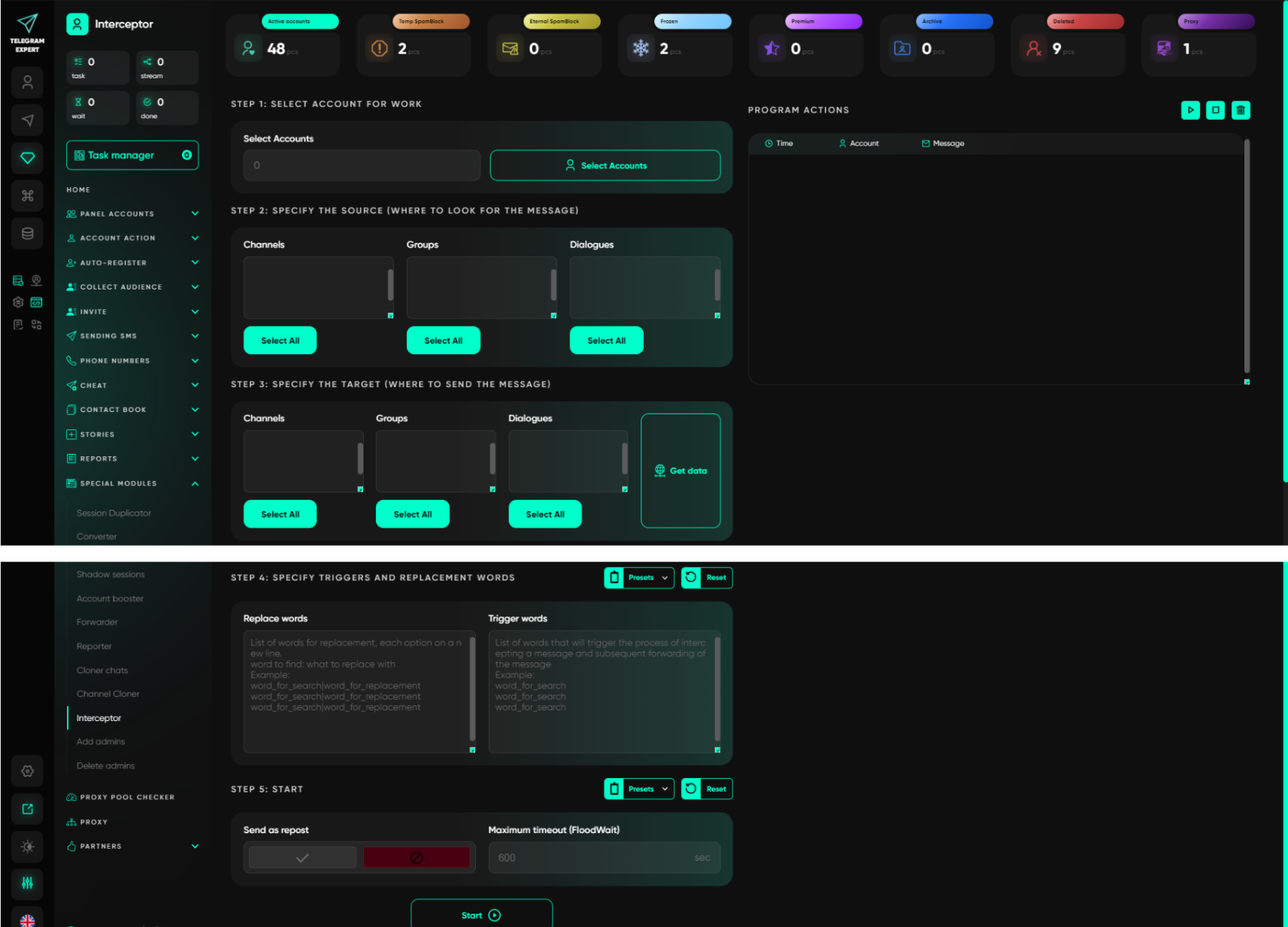
Telegram Expert includes a dedicated “Interceptor” module. It monitors content in chats, channels, and conversations for trigger words and forwards matched messages to specified destinations.
Sources. The user selects the chats, channels, and conversations to be monitored. The Interceptor works with sources that the account can access.
Triggers. The task is configured with prepared keywords and phrases: direct demand, problem descriptions, searches for alternatives, brand mentions, and competitor mentions.
Destination. Matched content is forwarded to a specified chat or channel, so the employee does not have to keep opening every source group.
Telegram Expert does not create demand. It separates potentially important messages from the general feed and delivers them to a central workspace.
How to Create a Unified Signal Feed
Workflow:
- Accounts belong to relevant communities.
- The Interceptor monitors specified phrases.
- Matched messages arrive in a dedicated chat.
- An employee reviews the context.
- A useful signal is assigned to an owner.
- The trigger library is refined using real matches.
Monitoring Across Multiple Accounts Without Losing Control
In addition to the software itself, the workflow also requires proxies.
SX.ORG is a proxy marketplace with more than 12 million clean IP addresses across 235 countries. It offers mobile, residential, and corporate proxies with flexible rotation, sticky sessions, and precise GEO/ASN targeting.
The roles of the two products are straightforward:
SX.ORG provides proxies for work accounts, lets you choose locations and connection parameters, and covers the network layer of a multi-profile infrastructure.
Telegram Soft Expert manages Telegram accounts, monitors messages in accessible sources, applies triggers, forwards matched content, and brings signals into a single workflow.
SX.ORG provides the infrastructure for connecting accounts. Telegram Expert turns those accounts into a distributed monitoring system for Telegram communities. But the platform does much more than that. Telegram Expert is a professional platform for managing Telegram accounts. In addition to intercepting signals, it covers every task related to work sessions:
- Bulk account management — add dozens or hundreds of sessions, organize them into folders, edit profiles, and manage 2FA and proxies with one click.
- Registration and warm-up — create new accounts via SMS and build their trust before bulk actions.
- Audience collection — collect members of groups, channels, and comment sections using specified filters.
- Messaging and invitations — deliver messages to conversations and invite users to communities while keeping limits under control.
- Cloning and conversion — copy channels with protected content and convert session formats without losing data.
- GPT-powered automation — generate unique message variants to bypass anti-spam systems.
- Centralized analytics — track the status of every account, along with blocks and restrictions, in a single interface.
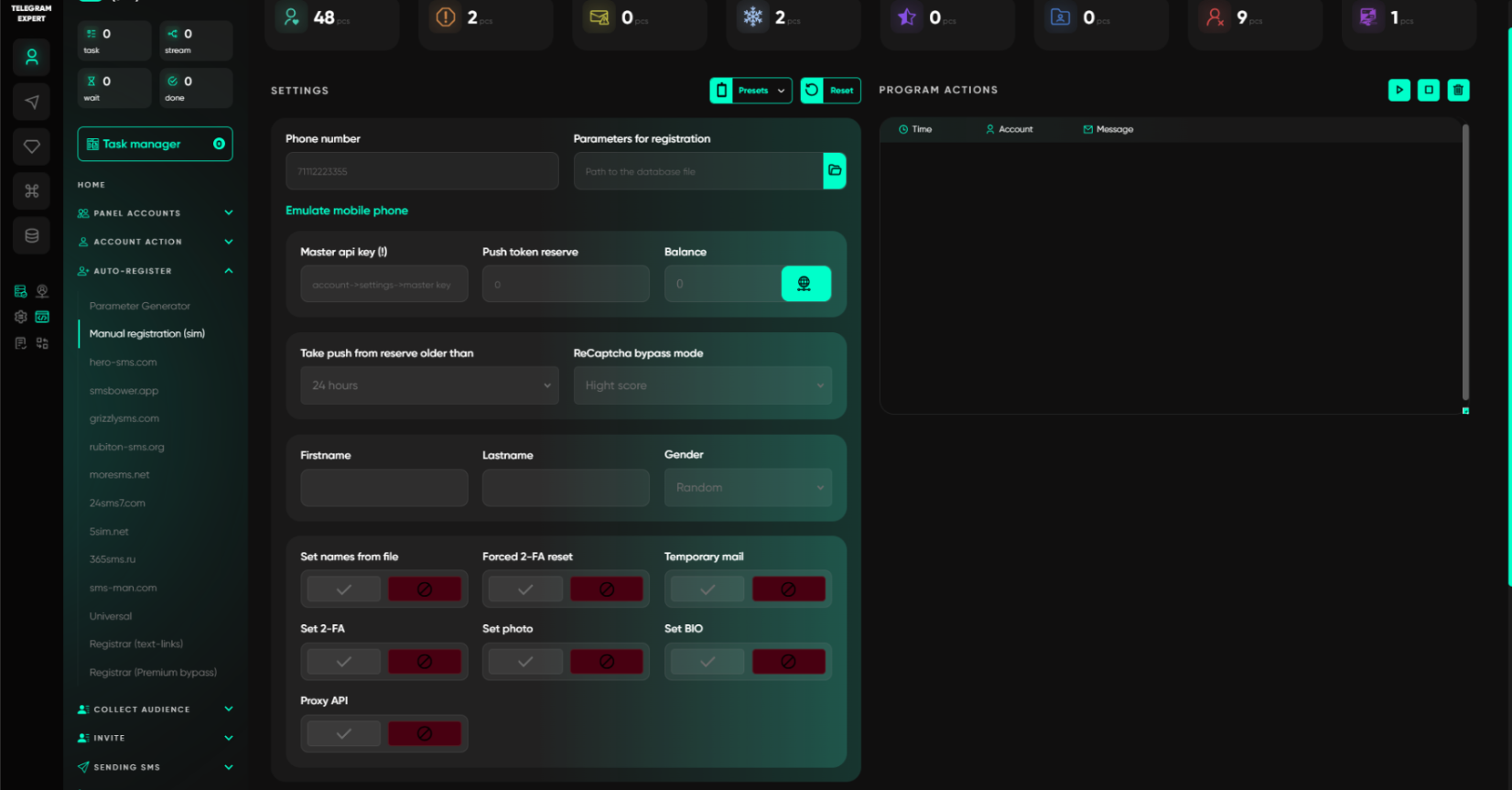
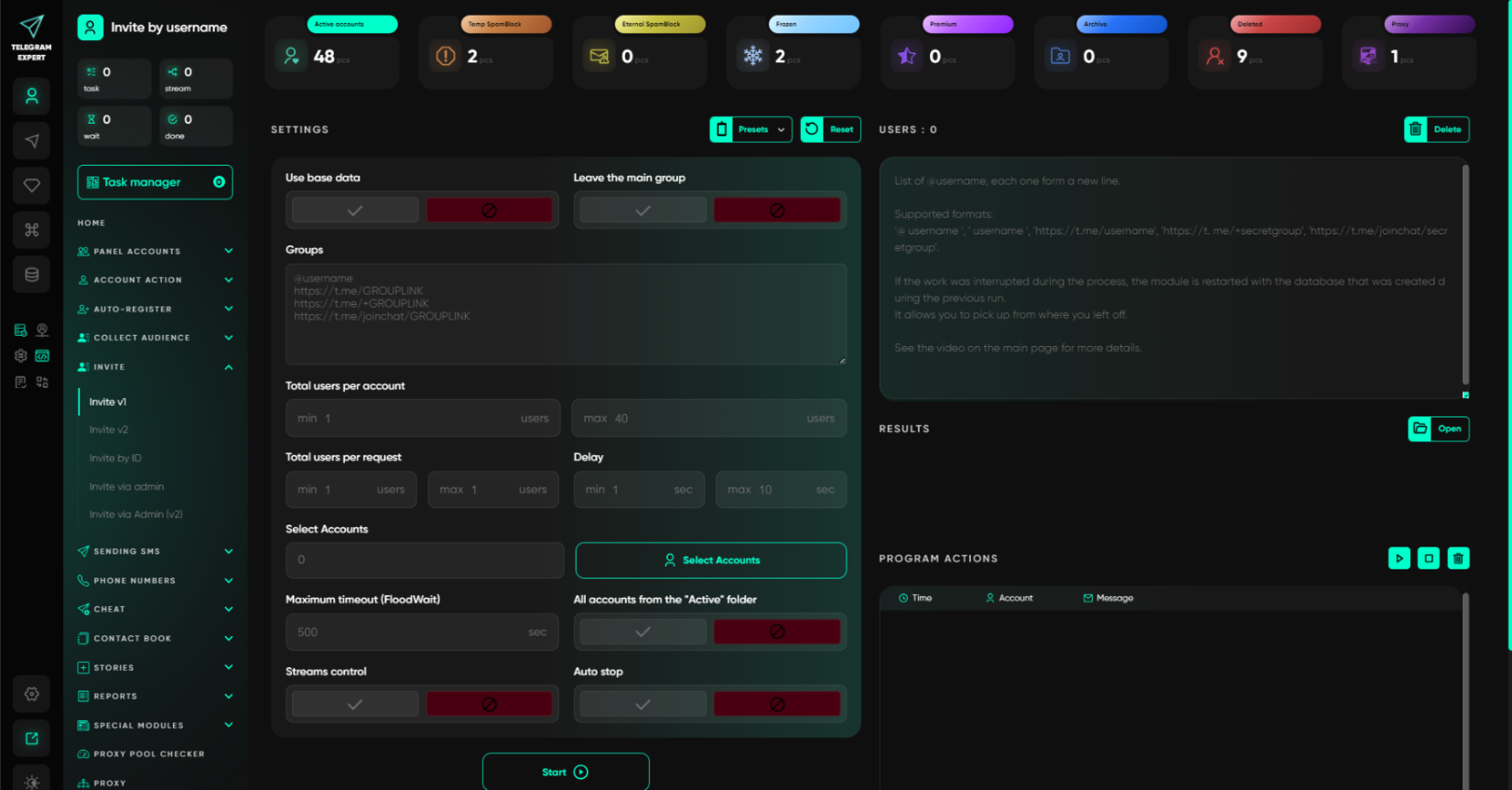
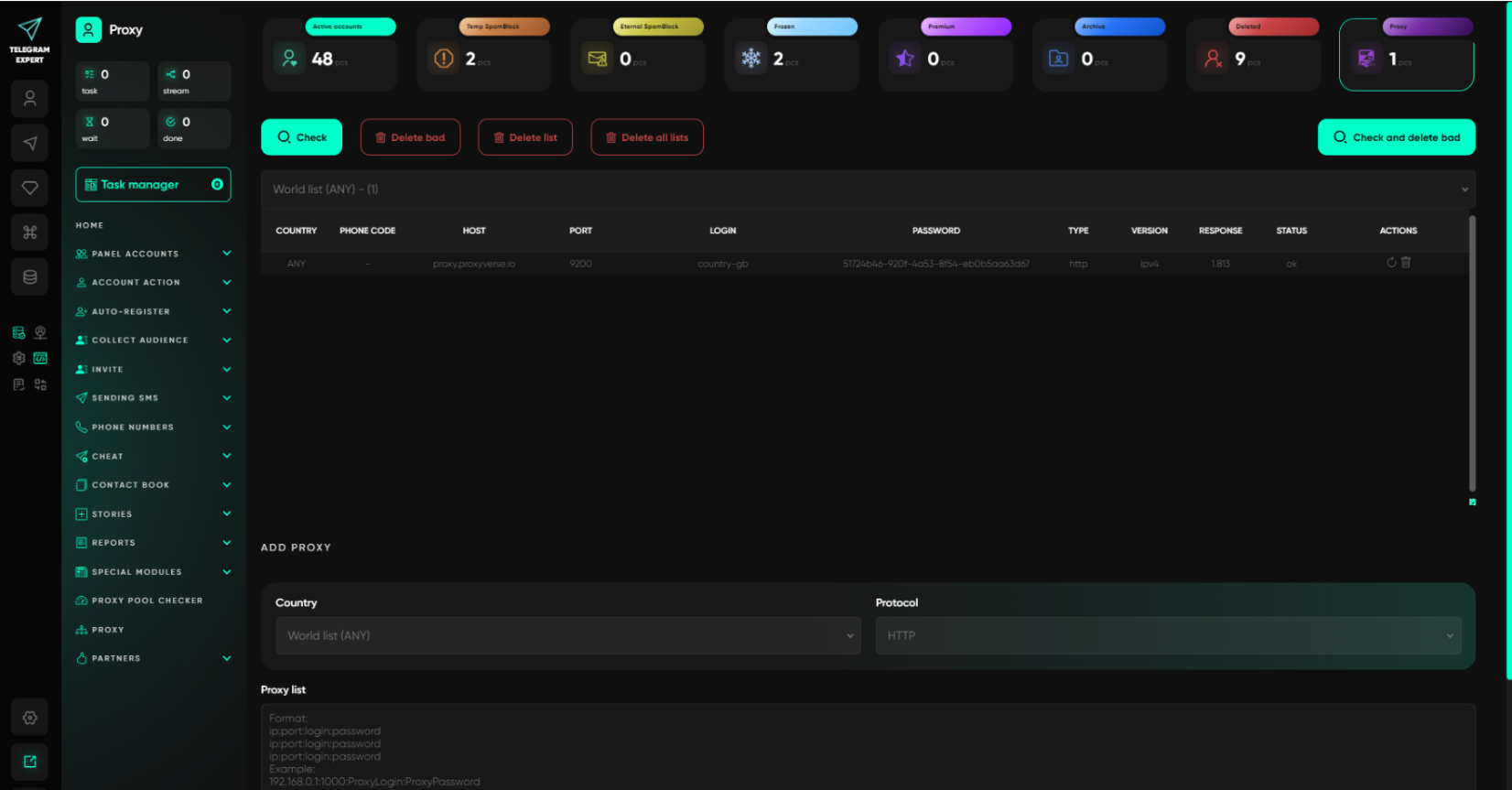
Instead of a dozen disconnected tools, you get one system in which accounts, monitoring, and communication are managed centrally.
Step-by-Step Launch Plan: Where to Start
Run a pilot before scaling.
Step 1. One niche. Choose one product or one area. Do not combine different services in the same trigger library.
Step 2. A limited set of sources. Select a small number of genuinely relevant chats that the work accounts have already joined.
Step 3. Four trigger groups: direct demand, problem descriptions, searches for replacements, and brand mentions.
Step 4. One central chat. Send every match to a dedicated internal chat.
Step 5. Manual classification. Assign each message a status: useful, uncertain, irrelevant, reply sent, or conversation started.
Step 6. Refine the trigger library. Remove noisy words and add wording taken from real audience messages.
Step 7. Scale. Add new sources and accounts only after the trigger library has been validated.